PRESENCE JOURNAL
Building calmer ways
to work.
Founder stories, product decisions, and useful notes about protecting focused work without shutting people out.
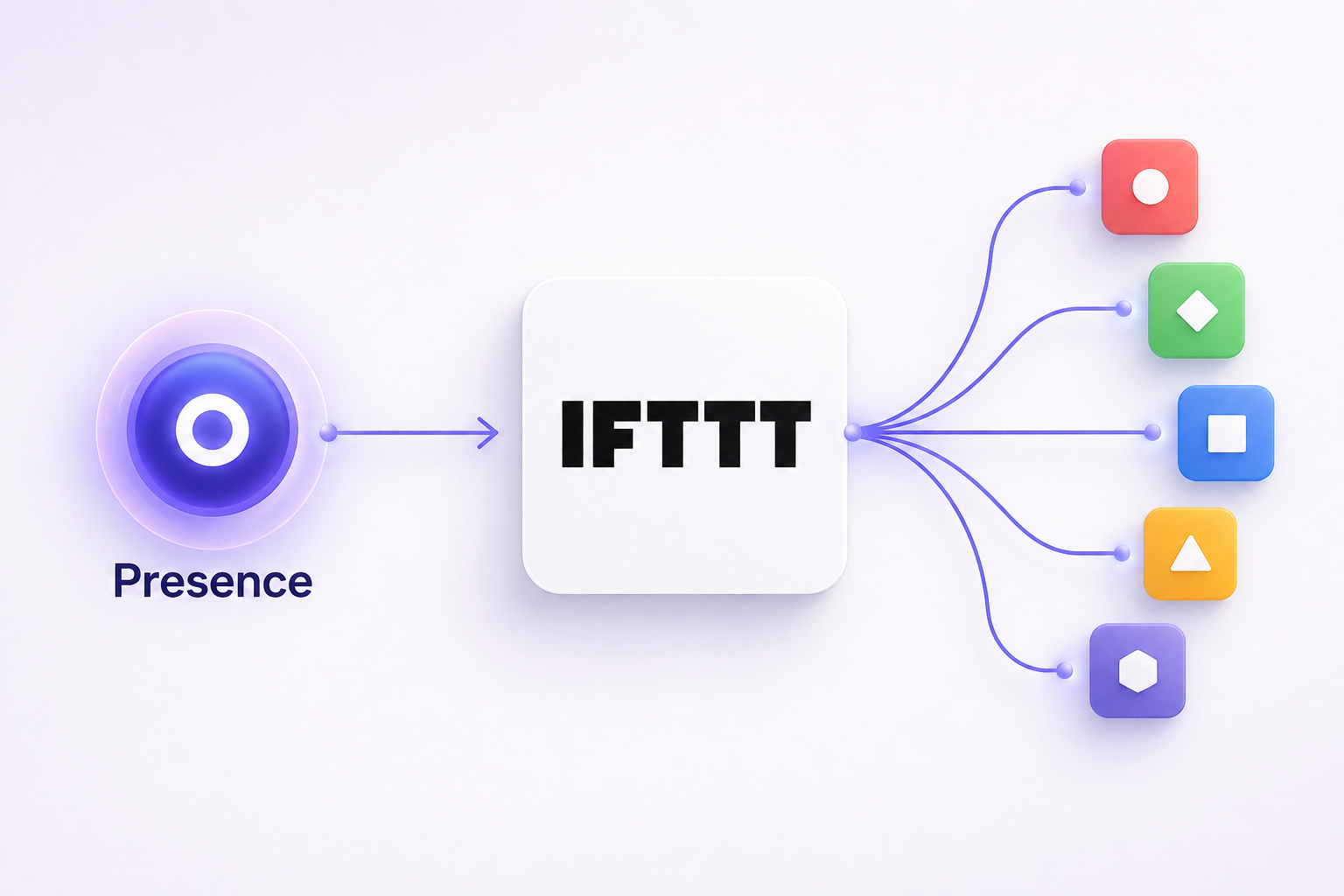
Presence is now live on IFTTT.
Turn a privacy-safe availability change into useful automations across the tools you already use.
Read the story →MORE FROM THE JOURNAL
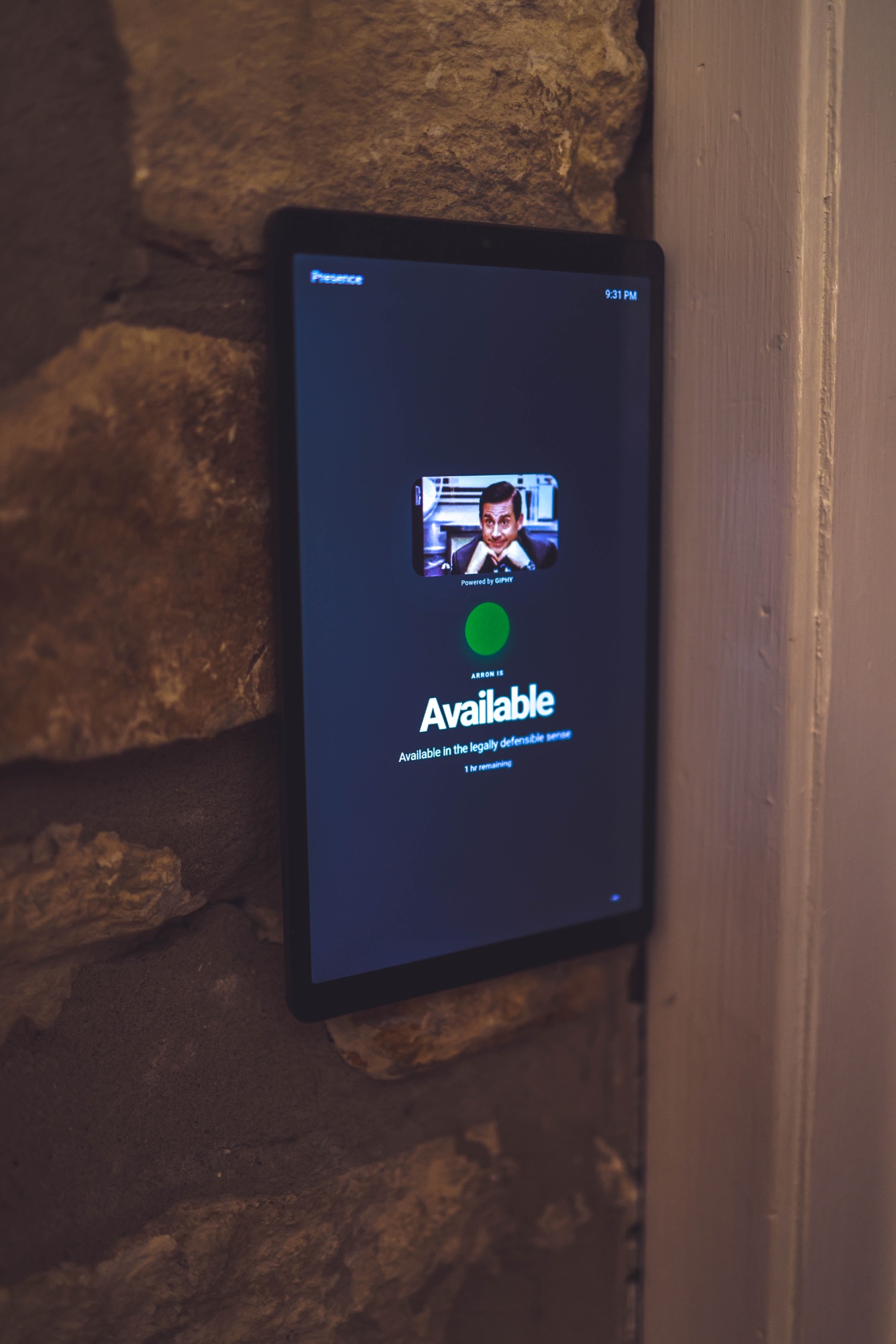
How do I show my availability outside my office?
Start with a private browser or tablet display and keep the calendar behind it private.
Read the guide →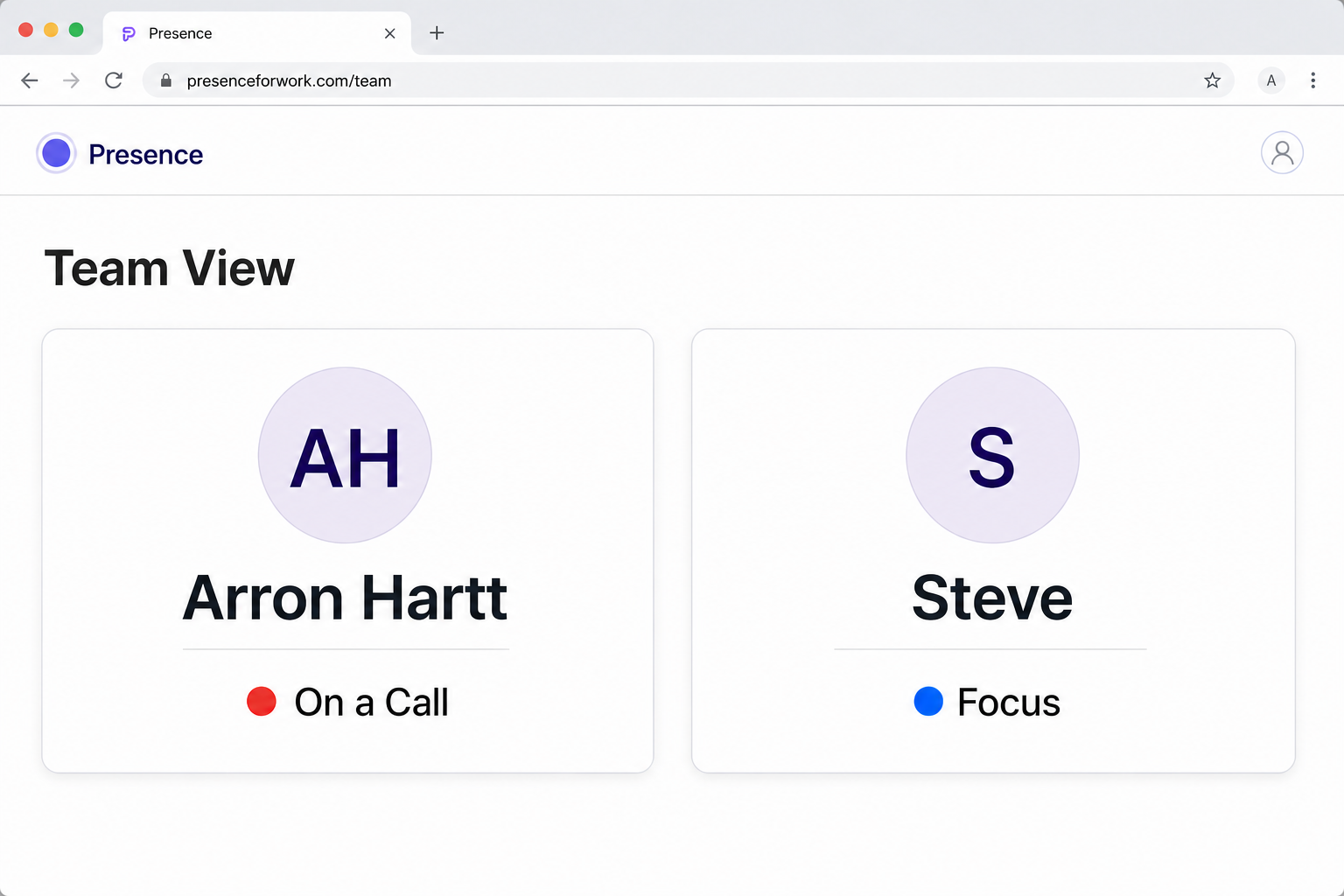
Can coworkers see when I am in a meeting without seeing my calendar?
Share the availability answer without revealing event titles or attendees.
Read the answer →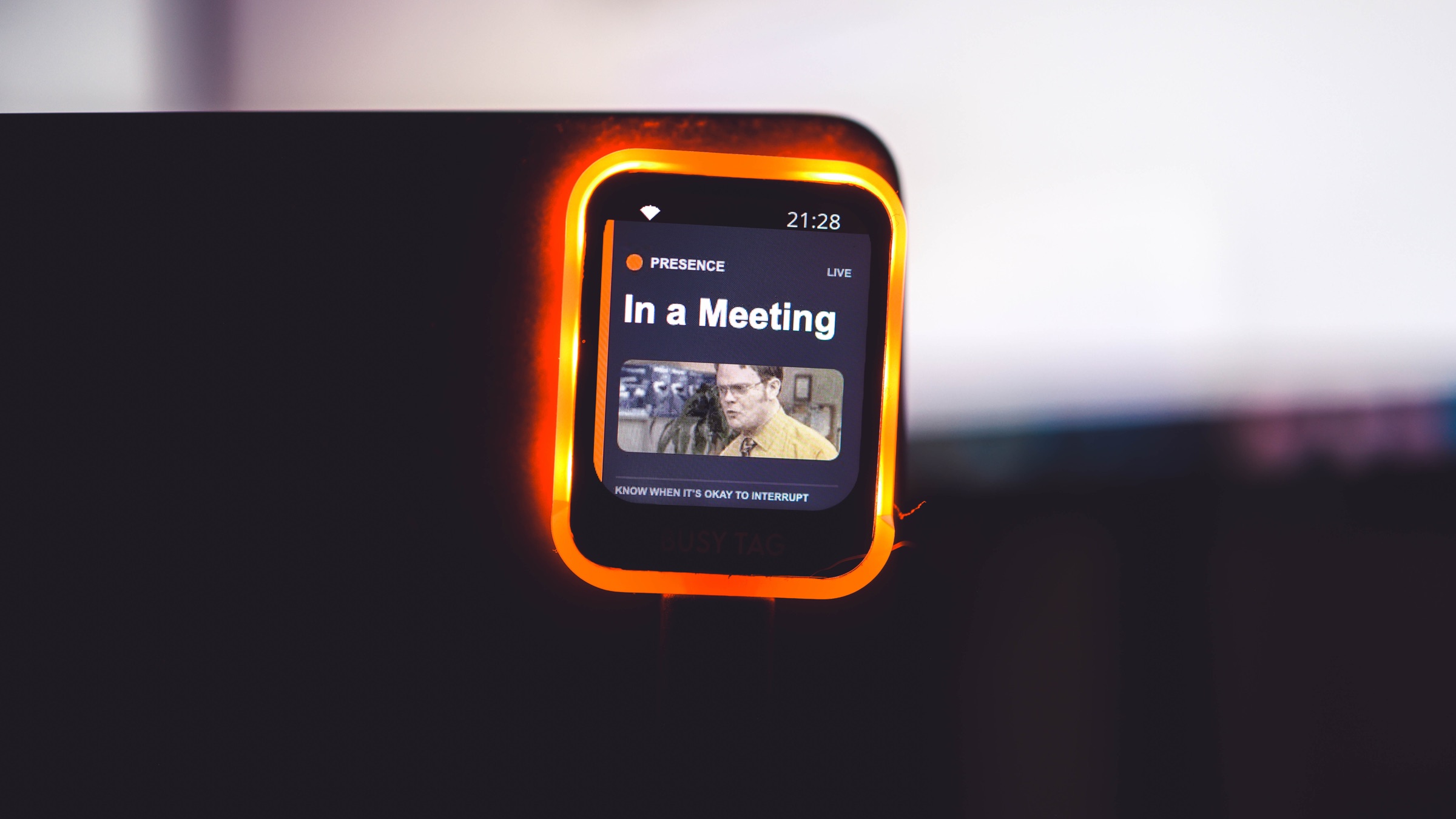
How do I automatically update an office busy light?
Resolve approved signals first, then send only the final status to a supported output.
Read the guide →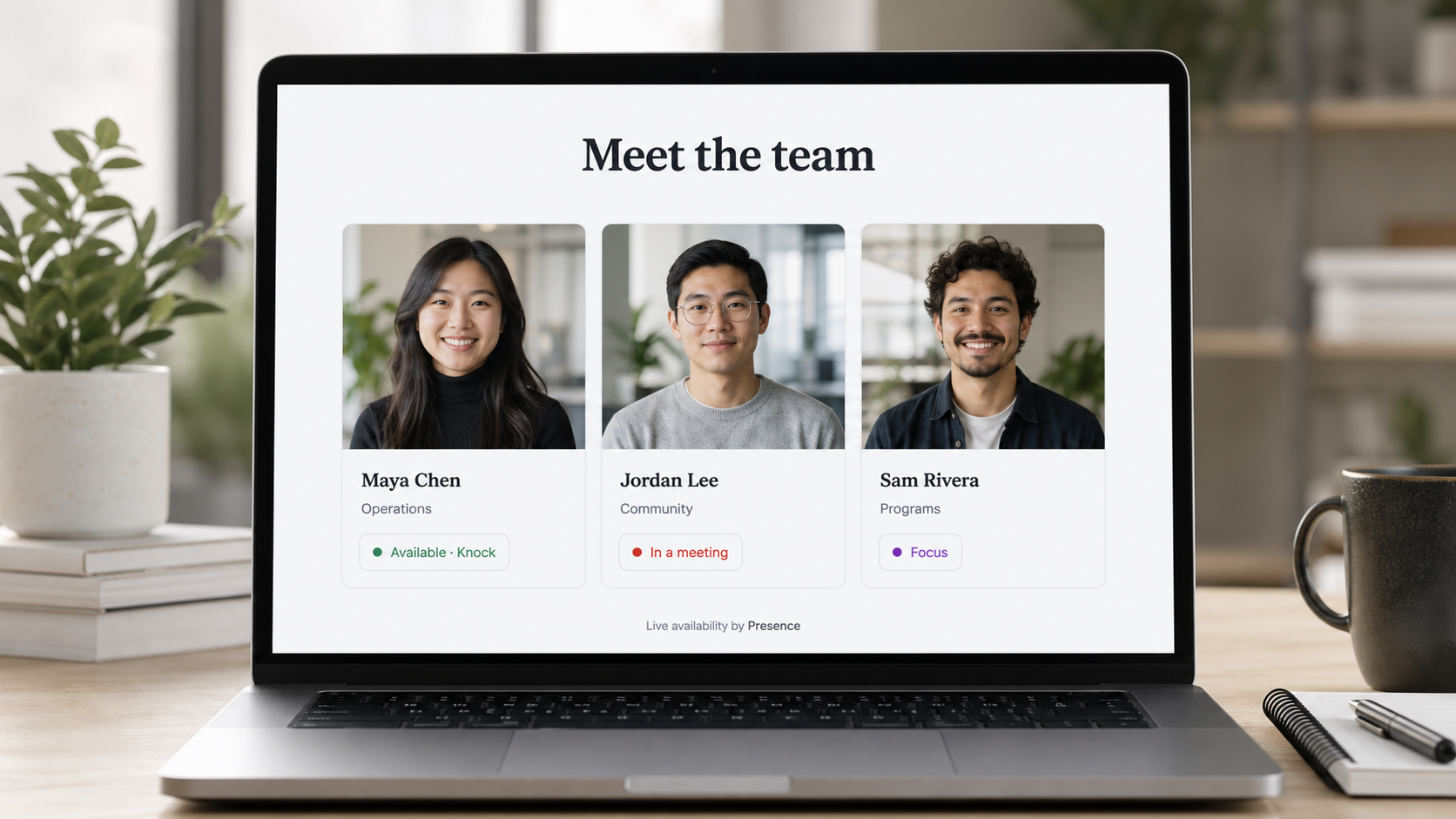
Can a website show live staff availability safely?
Add an opt-in broad status and Digital Knock to an existing staff page.
Read the guide →
What is a privacy-safe alternative to sharing my calendar?
Share whether you are available rather than the events that explain why.
Read the guide →How to know if a coworker is available without messaging them.
Combine calendars, meetings, calls, focus time, and manual choices into one privacy-safe answer.
Read the guide →Presence vs. a manual Slack status: when each one helps.
Slack explains work inside Slack. Presence carries a current availability answer across the places people look.
Read the comparison →Digital office status display or door sign?
Compare cost, accuracy, privacy, and visibility before choosing hardware.
Read the comparison →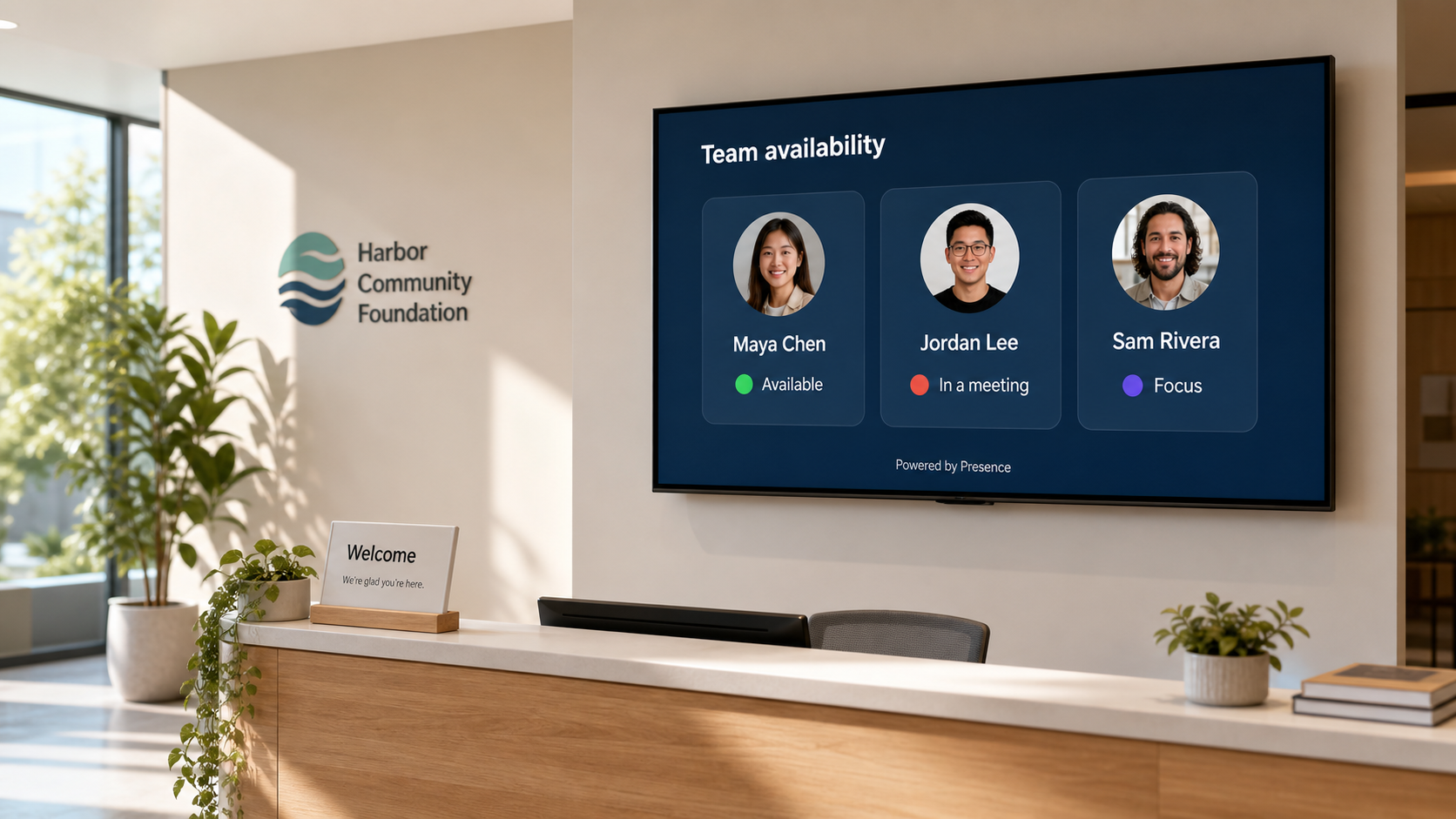
One private answer, everywhere people look.
Why Team View belongs on reception TVs and staff pages—and how Presence keeps the useful signal while leaving private details behind.
Read the story →How to show staff availability on a church website.
Add a useful live answer and Digital Knock to the staff directory you already have—without publishing anyone’s calendar.
Read the guide →How to build an office status display that works with Google Calendar.
Turn selected calendar availability into a clear office-door signal while keeping meeting details private.
Read the guide →How to connect BusyTag to Google Calendar with Presence.
Use selected calendars to drive the BusyTag screen, status artwork, and edge-light color.
Read the guide →Presence is now live on BusyTag.
How a blank screen, clipped logo, pale LEDs, and frozen GIFs became a working native Presence integration.
Read the story →
The kindness behind the displays arriving at my door.
How BusyBox, BLACKBLOX, and ChurchTechToday are helping a tiny, early product learn what Presence could become.
Read the story →Back to school means back to working after school.
Red means no. Green means yes. Any other color means knock. A simple signal is helping my seven-year-old understand the hours after pickup.
Read the story →The fastest message Steve and I stopped sending: Are you free?
How a senior producer and lead video editor use Team View to coordinate production work without another interruption.
Read the story →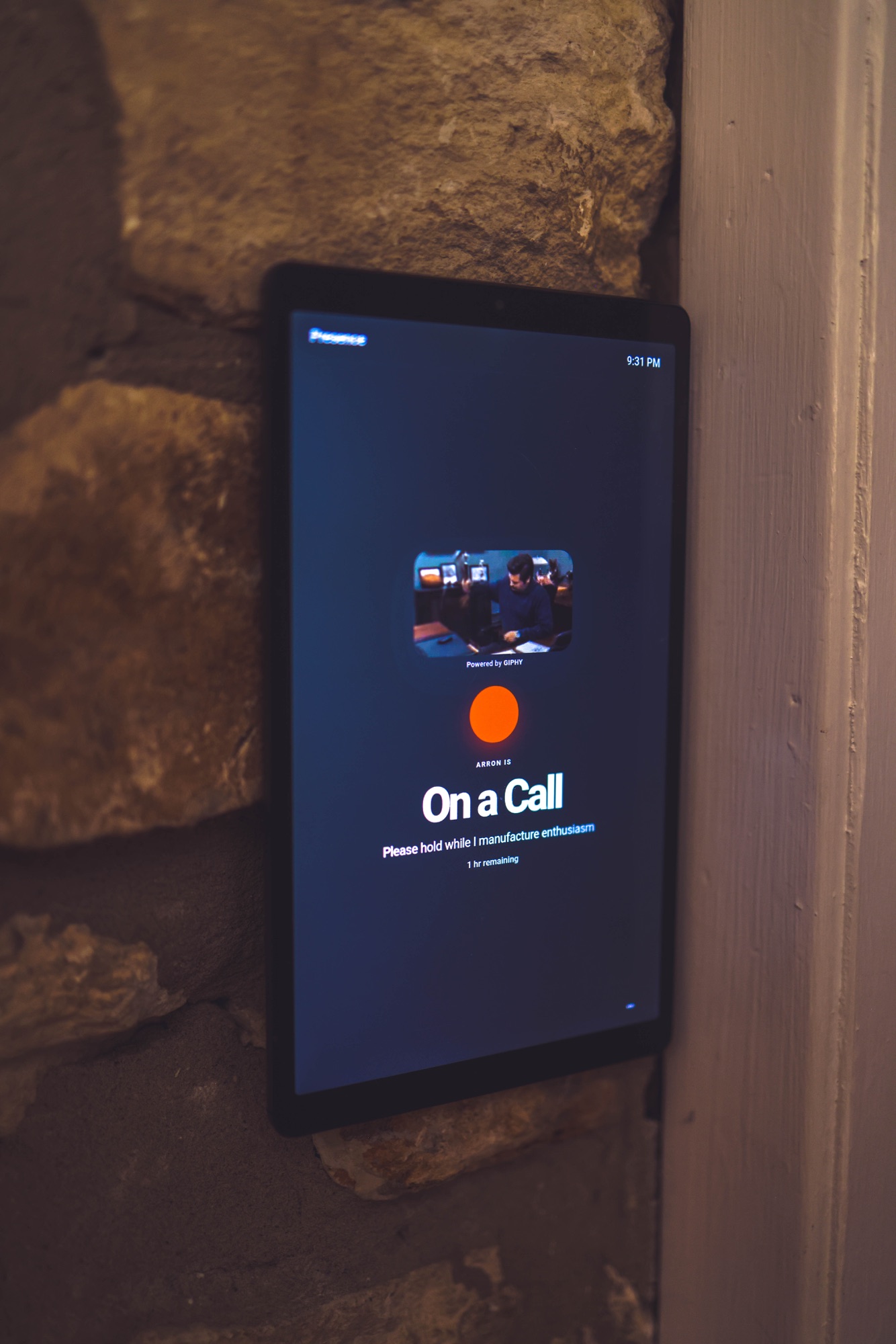
My calendar said I was free. My phone call said otherwise.
A calendar is a plan. Availability is what is actually happening now.
Read the story →My coworkers needed an answer, not my calendar.
Good coordination does not require everyone to see the details behind your day.
Read the story →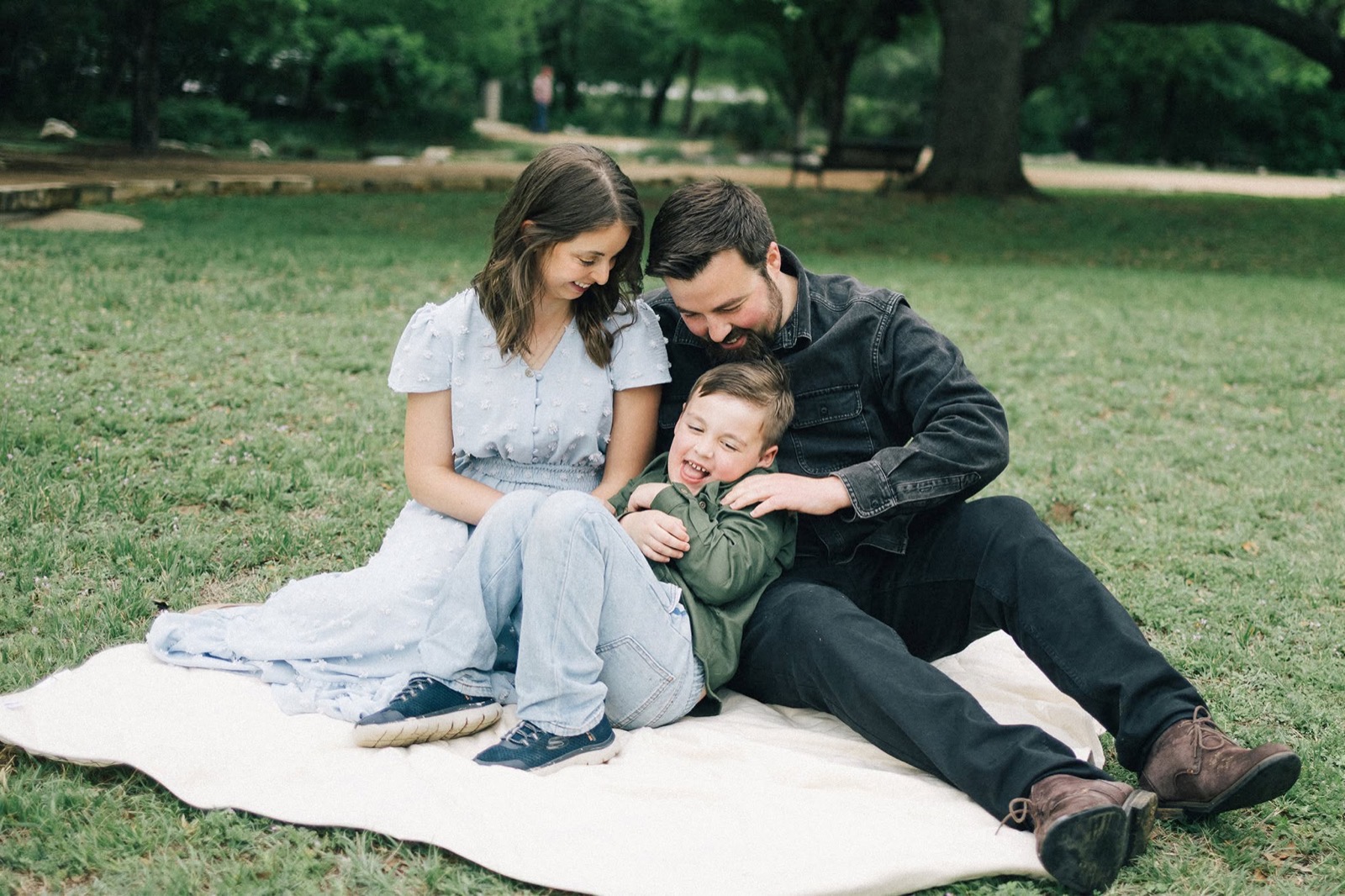
A dad built a privacy-safe office status system after working from home with his seven-year-old.
Presence started with a door, a busy summer, and one question my family should not have needed to keep asking.
Read the story →WHAT COMES NEXT
Useful, honest, and built in public.
Future notes will cover privacy choices, beta lessons, office displays, Digital Knock, and the small decisions that make interruptions easier to handle.