
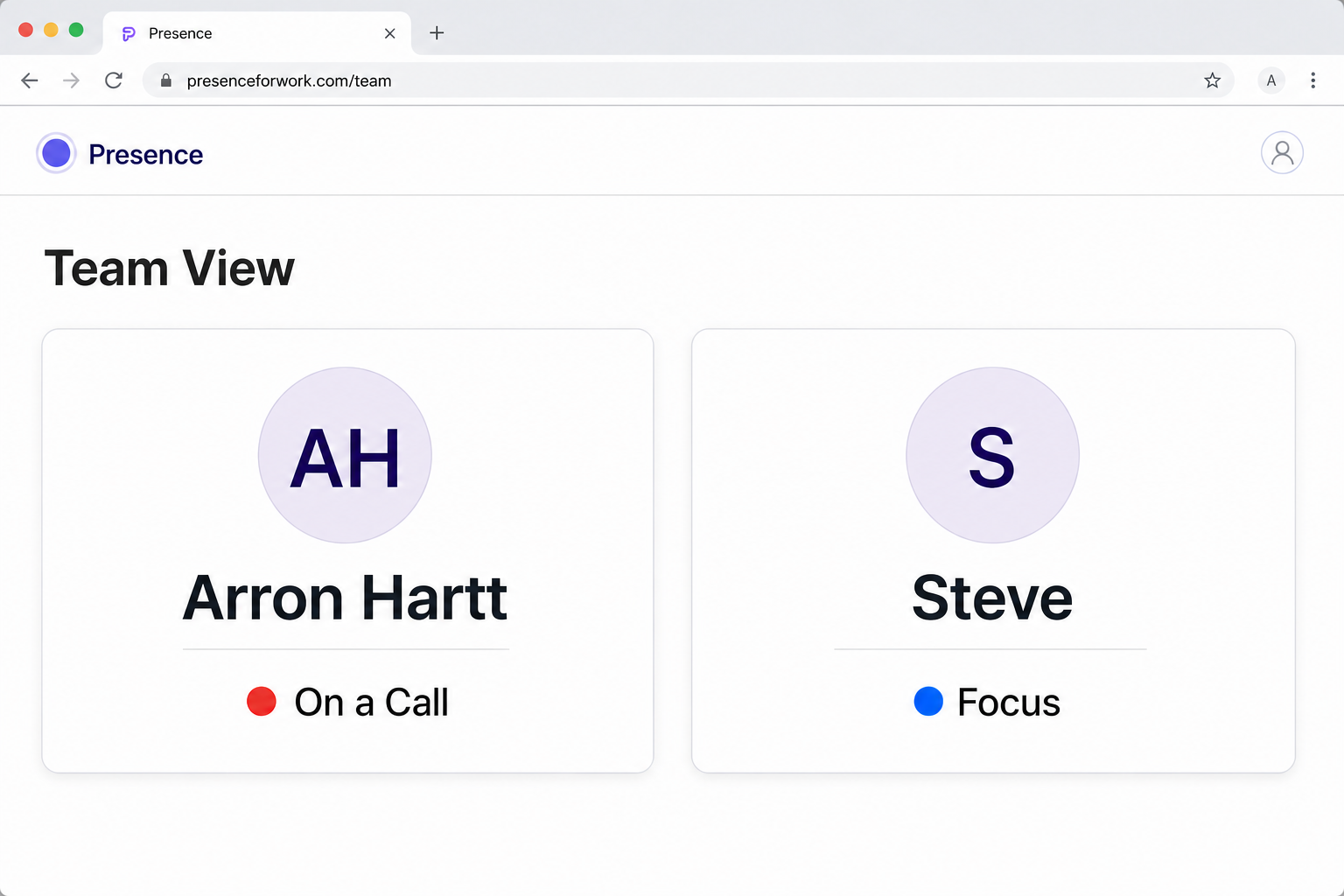
A calendar shows what was planned. A reliable availability answer also accounts for what is happening now—and lets the person override it when real life changes.
Use one answer, not six signals
Coworkers should not need to inspect a calendar, Slack profile, meeting icon, office door, and text thread before deciding whether to interrupt. A status system should resolve those inputs into one current answer.
Presence combines only the signals each person approves and shows a simple result such as Available, In a meeting, On a call, Focus, Away, or a custom status.
Let live activity correct the calendar
Scheduled events are useful, but calls run late, meetings end early, and unscheduled work happens. Supported live meeting and call signals can temporarily outrank a free calendar without exposing who is involved or what is being discussed.
Keep the person in control
Automatic status should reduce maintenance, not remove agency. Manual choices and custom statuses let someone explain that they are recording, working in a control room, or available only if needed.
When the override ends, Presence returns to automatic behavior instead of leaving a stale status behind.
- Connect only the calendars and activity sources you want Presence to use.
- Choose where coworkers should see the final answer: a private link, Team View, reception display, or staff page.
- Set the priority and privacy controls once.
- Use a manual or custom status only when the automatic answer needs context.