Follow the final answer
BusyTag updates only after Presence resolves calendars, live meetings, calls, Focus, Away, custom statuses, and manual choices.
BUSYTAG 2 · LIVE
Live · independently builtDocumentation reviewed September 10, 2026
The native Presence plugin turns BusyTag 2 into a full live availability display—with your final status, message or looping GIF, optional location, and matching edge LEDs.
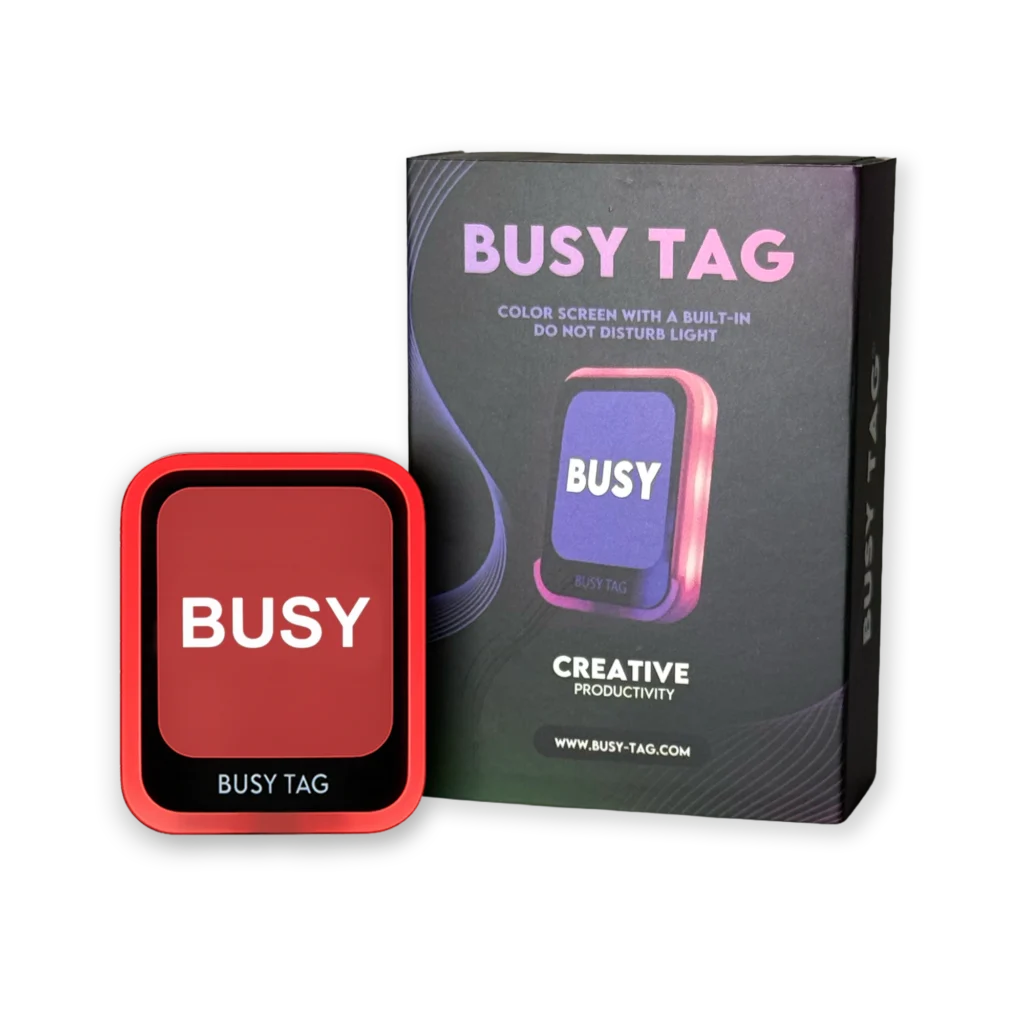
THE ACTUAL HARDWARE
BusyTag is a USB-connected status display with a full-color screen and edge lighting. The Presence plugin uses BusyTag’s supported plugin system to put the complete, privacy-safe status on the device.
View BusyTag →BUILT FOR HOME OFFICES, STUDIOS, AND SHARED WORKSPACES
Presence combines only the availability connections you approve into one simple, privacy-safe status. The people around you see whether now is a good time—not the private details behind the answer.
BusyTag updates only after Presence resolves calendars, live meetings, calls, Focus, Away, custom statuses, and manual choices.
BusyTag is an output only. It cannot override Presence, change priority rules, or interfere with another connected display.
Switch between your public status message and an assigned looping status GIF from the Presence dashboard.
Standard and custom status colors carry across, with edge-LED intensity controlled centrally from Presence.
SET IT UP ONCE
Download Presence for BusyTag, then choose Integrations → Install from file in the BusyTag desktop app.
Copy the private link from Presence Dashboard → Connections → BusyTag and paste it into the plugin once.
Presence keeps the screen and edge LEDs current while the BusyTag desktop app and connected computer are running.
PRIVACY FIRST
Meeting titles, attendees, call participants, precise coordinates, chat, recordings, audio, and video stay out of shared views. Every user controls their own connections and links.
COMMON QUESTIONS
Only information already included in your private shared view: the resolved status, public message, optional broad location, display color, and selected status GIF. Presence never sends calendar titles, attendees, callers, audio, video, or documents.
Yes. The native plugin controls the full screen and colored edge LEDs, including looping GIF artwork and LED intensity.
Not currently. The BusyTag desktop app and connected computer must remain running for live updates and animations. The last image may remain visible when disconnected, but it will not stay current.
GET STARTED
Try Presence free during the beta using your existing tablet or browser.
Start free