Meetings and calls become visible
Calendar events and supported live call signals can turn the door display into In a Meeting or On a Call even when the day changes.
HOME OFFICE STATUS
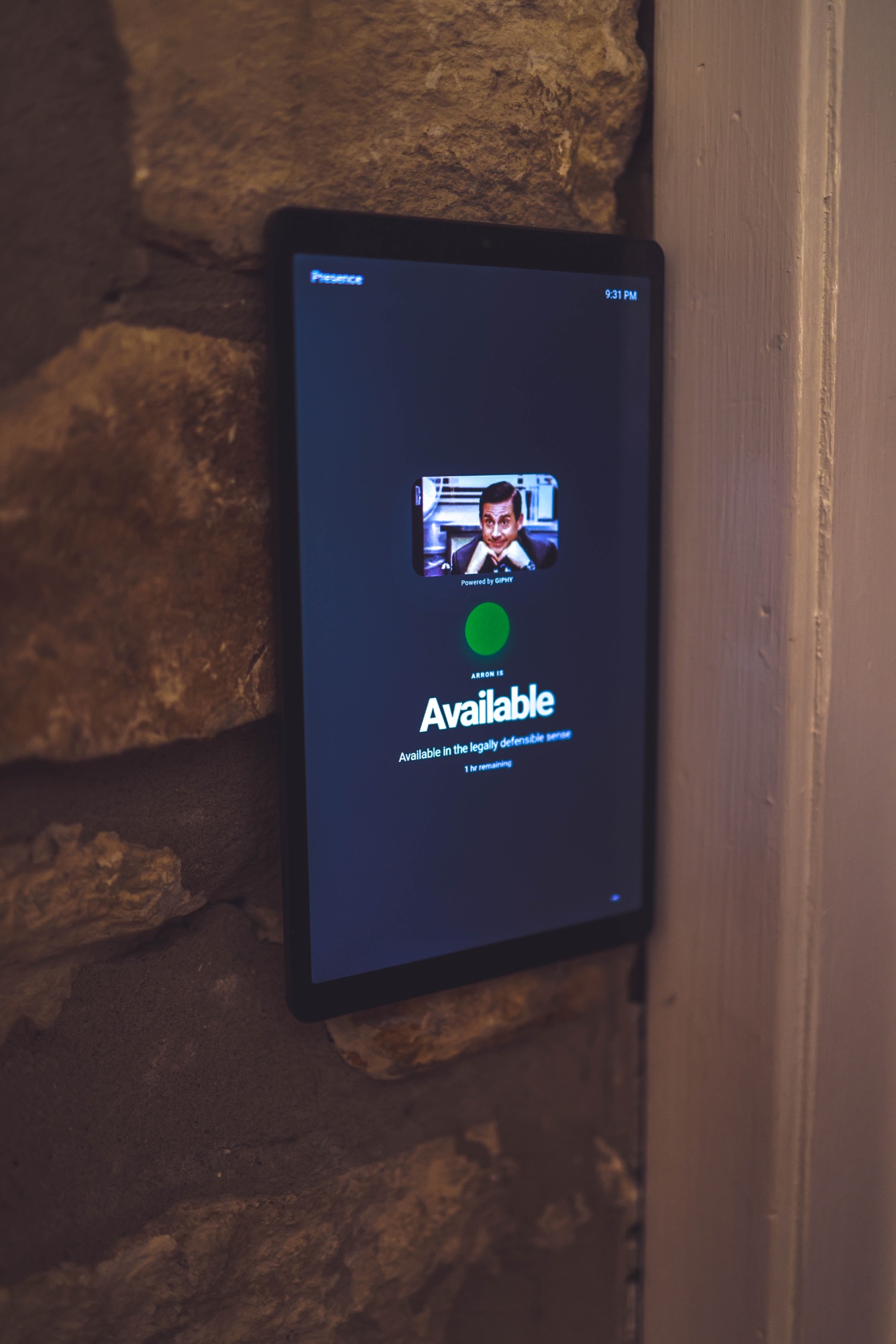
Presence puts your real availability on a tablet, browser, private family link, or compatible status display—without showing anyone what the meeting is about.
FOR REMOTE WORKERS & FAMILIES
Presence combines only the availability connections you approve into one simple, privacy-safe status. The people around you see whether now is a good time—not the private details behind the answer.
Calendar events and supported live call signals can turn the door display into In a Meeting or On a Call even when the day changes.
Use a Recording status, message, color, or GIF so someone understands why a small interruption can ruin the take.
When enabled, family or trusted people can send a respectful name-only knock without opening the door or revealing private activity.
Start with an old tablet or any modern browser, then add compatible displays later if they fit the room.
SET IT UP ONCE
Presence starts with the tools you already use and only the sources you approve.
Mount a tablet outside the door or give family members a simple trusted-person view.
Choose Recording, Focus, Away, or a custom status when the calendar cannot tell the full story.
PRIVACY FIRST
Meeting titles, attendees, call participants, precise coordinates, chat, recordings, audio, and video stay out of shared views. Every user controls their own connections and links.
COMMON QUESTIONS
No. They see the useful answer—such as In a Meeting or Available—not calendar titles, attendees, callers, or messages.
Yes. Presence works in a modern browser, making an existing tablet a practical first display.
Statuses can remain available for Digital Knock when appropriate, and manual controls let you choose a more permissive or restrictive answer.
GET STARTED
Try Presence free during the beta using your existing tablet or browser.
Start free