
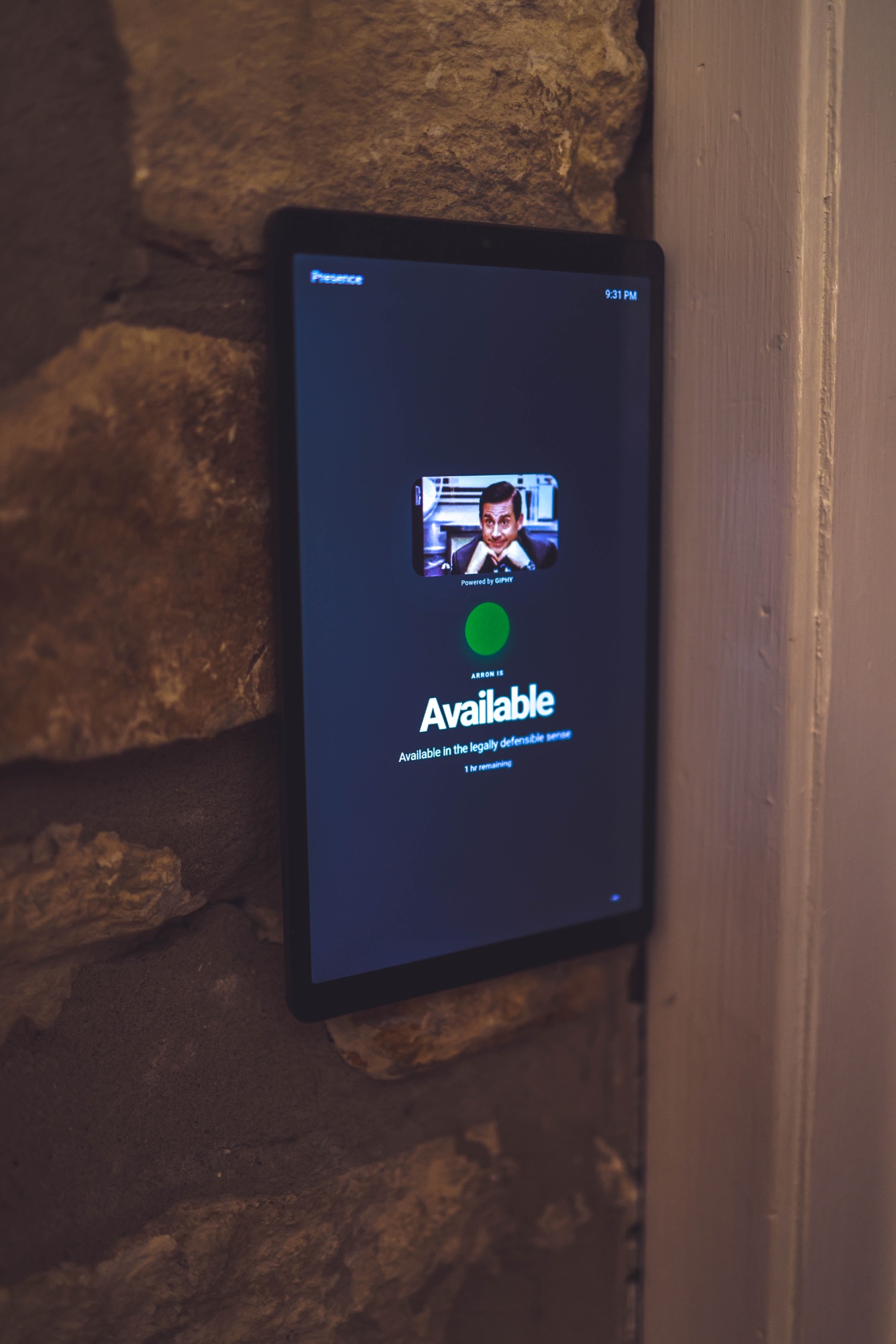
The simplest setup is a private Presence display opened on an existing tablet or browser outside the office. Dedicated hardware is optional.
Start with the screen you already own
A spare tablet, browser window, or small monitor can show the current status, message, color, and expected availability. Test the workflow before buying hardware.
Choose which signals may shape the answer
Connect only the calendars and supported activity sources you want. Presence resolves them with work hours and manual choices into one broad status.
Share the answer, not the appointment
The outside view does not need meeting titles, attendees, callers, notes, or precise location. It only needs to tell someone whether now is a good time.
- Create or sign in to Presence and connect an approved calendar.
- Open your private display link on a browser or tablet outside the office.
- Test Available, In a Meeting, Focus, and a manual override during a real workday.
- Add optional hardware only if the room needs a brighter or more compact signal.
Short answerOpen a private Presence display outside the door and let approved signals keep the status current.