
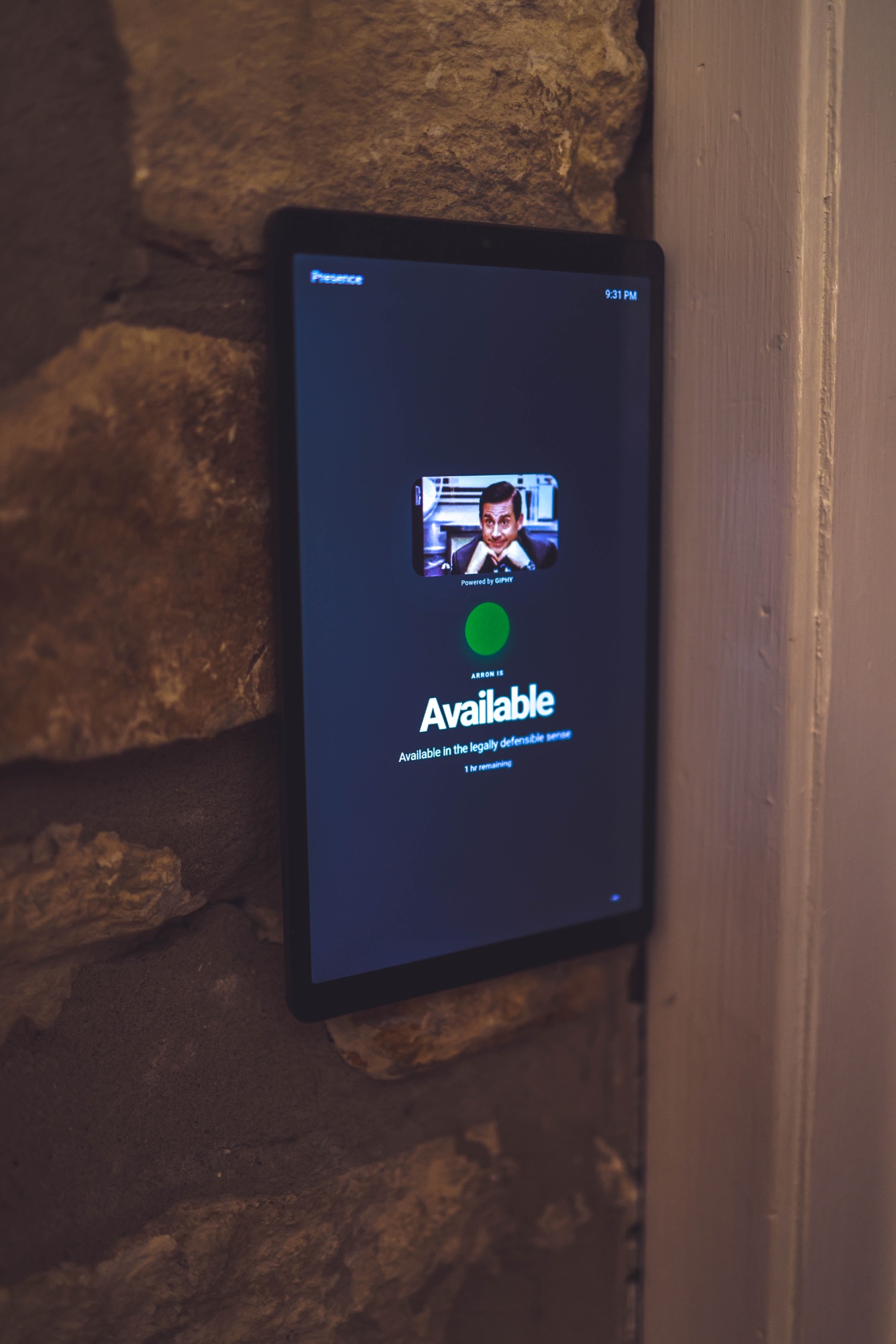
The useful part of Google Calendar is not the meeting title. For the people outside your office, the useful part is whether now is a good time to interrupt.
Turn calendar events into a simple signal
Presence reads availability only from the calendars a user selects, then resolves that signal into a status such as Available, In a Meeting, Focus, Away, or Out of Office.
The display receives the final answer—not the event name, attendee list, conference link, notes, or attachments.
Account for what the calendar misses
A calendar describes the plan, but unscheduled calls, recording sessions, live meetings, and focus time can change the reality. Presence can combine supported live signals and deliberate manual statuses with calendar availability.
That matters because a green display during an unscheduled client call is worse than no display at all.
Use the screen you already own
An old tablet or a browser near the office door is enough to begin. The same resolved status can later feed private family links, reception views, staff-page badges, or supported hardware displays.
One source of truth keeps every surface consistent and avoids rebuilding status logic for each screen.
- Connect the Google account and choose the calendars that should shape status.
- Set working hours and any manual statuses such as Recording or Focus.
- Open the private display link on a tablet or browser outside the office.
- Test a calendar event and confirm that only the broad status appears.