
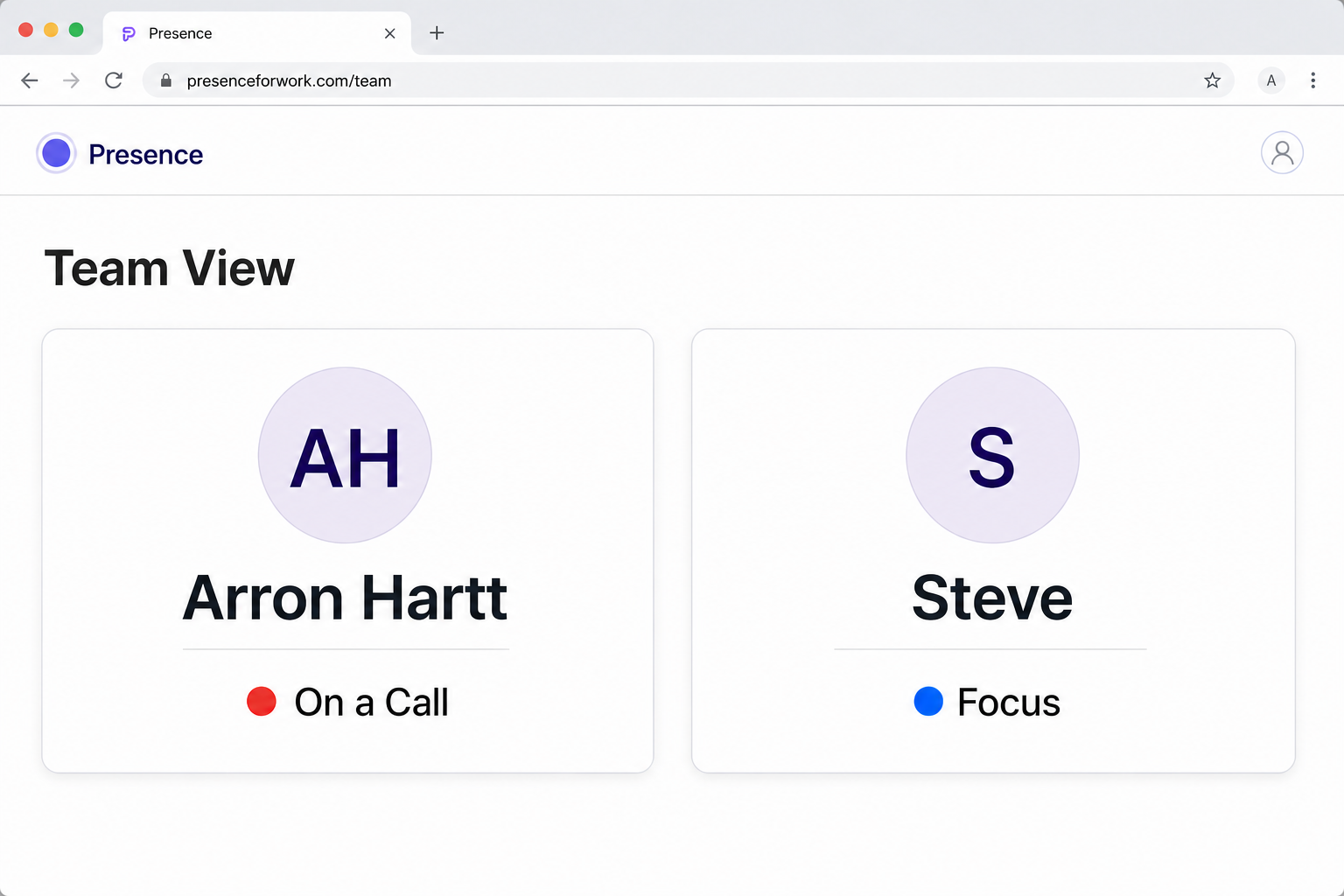
These tools solve related but different problems. The right choice depends on whether a manually maintained chat label is enough or whether availability needs to follow real activity across rooms, websites, and displays.
Choose Slack status for a quick team message
A manual Slack status is familiar, fast, and already visible to people working in the same Slack workspace. It is a good place for a short note such as traveling, at lunch, or working from home.
Its limitation is maintenance: it can stay stale, and it does not help family members, reception visitors, office-door displays, or people outside the workspace.
Choose Presence for a resolved live answer
Presence combines approved calendars, meetings, calls, focus choices, work hours, places, and manual overrides. It then sends one final status to the views and integrations the person controls.
That makes it useful when the answer needs to appear on a tablet, staff page, shared team board, connected light, or automation—not only inside a chat app.
They can work together
This does not need to be an either-or decision. A team can keep Slack for communication and use Presence as the privacy layer that determines whether now is a good time to interrupt.
The principle is simple: communication tools explain work; Presence communicates current availability.