
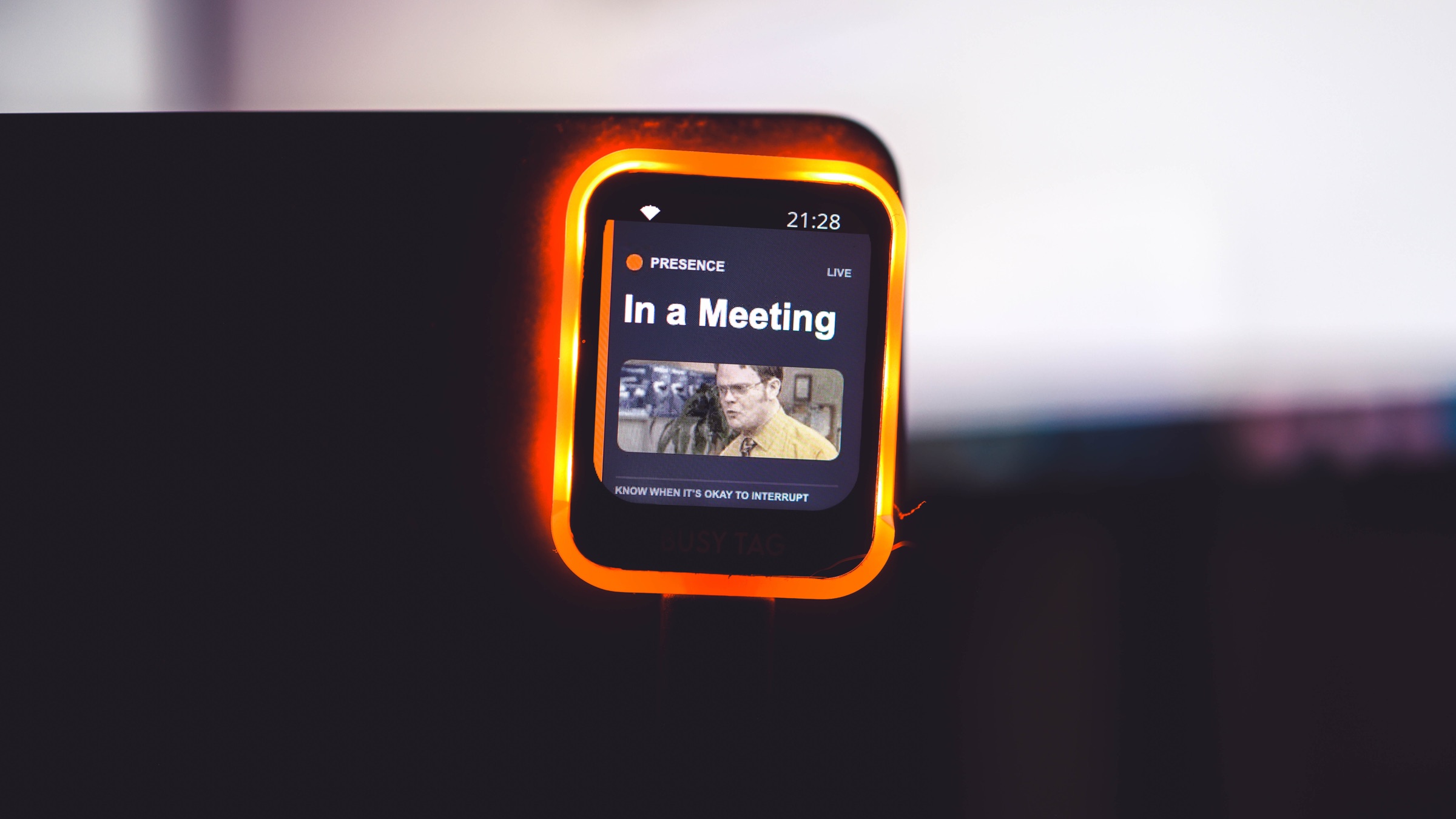
Presence can resolve approved calendars, meetings, calls, focus choices, work hours, places, and manual overrides, then send only the final status and color to a supported output.
Build the status first
Confirm Presence changes correctly in the browser before connecting a light. That separates signal setup from hardware troubleshooting.
Choose an output by behavior
A browser or tablet gives the richest display. BusyTag, BUSY Bar, TRMNL, Alexa routines, IFTTT, and other supported outputs have different refresh, computer, and setup requirements.
Keep data boundaries intact
The output receives the resolved availability needed to display or automate the signal. It does not need the calendar event, caller, or meeting content.
- Connect and test the approved availability sources in Presence.
- Choose a supported hardware or automation integration from the current directory.
- Follow that integration page and complete its required companion or authorization setup.
- Trigger a test status and verify both the color and automatic return.
Short answerResolve availability in Presence first, then send only that final status to the light or automation.